Data and privacy
Data in Text Mode
Reading the page, selecting text and typing a task do not by themselves send that text to a model. This notice covers Text Mode only.
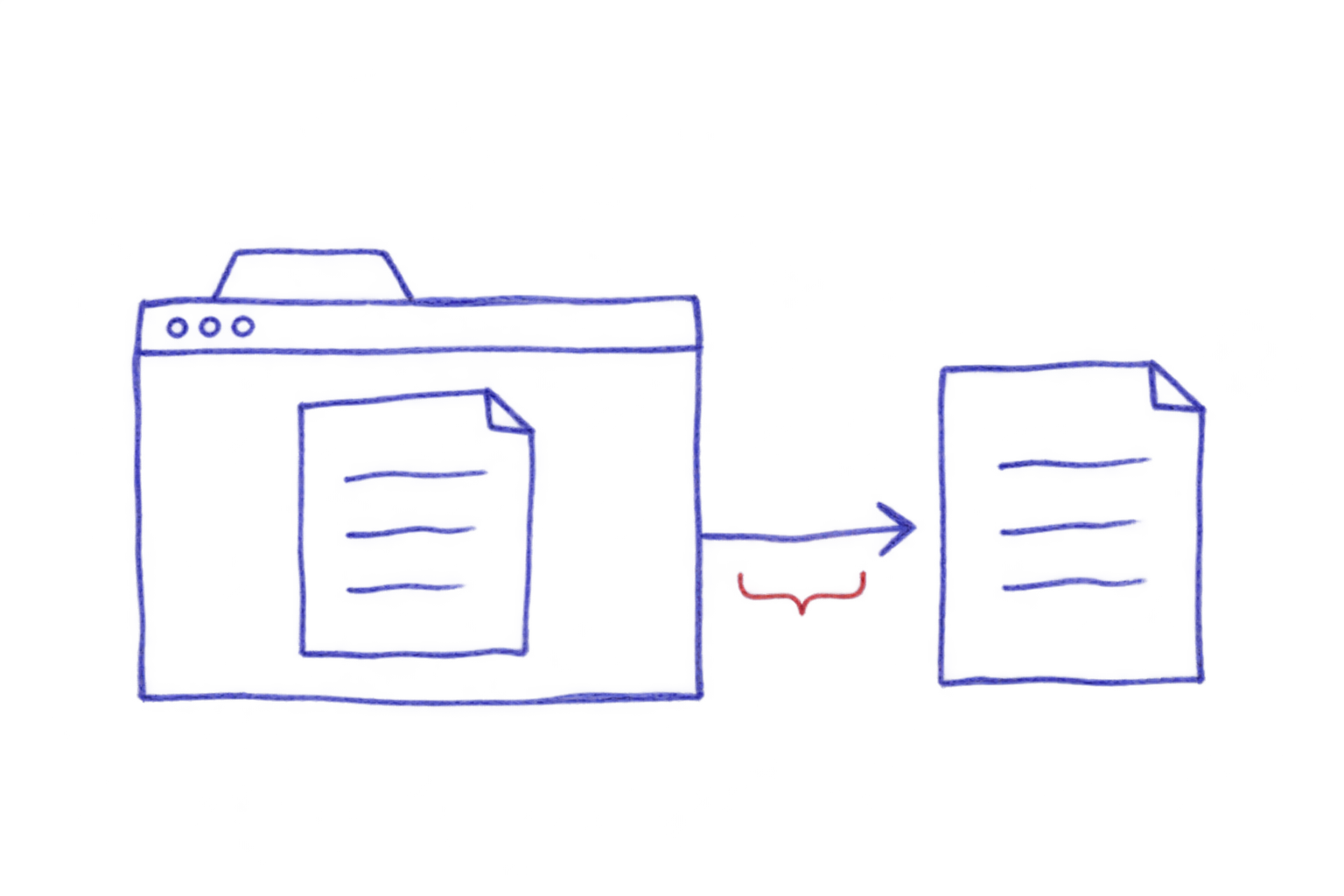
What is sent
“Generate text”, “Generate both texts” and “Send follow-up” send the task through Beforeword. The shared allowance uses an OpenAI model.
Request route
Open page
The task and the relevant history.
Beforeword service
Request forwarding and allowance tracking.
Model provider
OpenAI for the shared allowance; your chosen provider with a personal key.
A request includes the task, earlier tasks and output from the relevant mode for a follow-up, interface language, mode and service codes for processing and allowance tracking.
In comparison mode
Comparison sends two separate requests: Text Mode and “Without Text Mode”. Their histories remain separate.
Page text, the page URL and browsing history are not automatically added to the task. Names, addresses and other details inside the task are sent with it.
Using your own key
You can connect OpenAI or OpenRouter with your own API key. Connecting sends no text. When you submit, the task, relevant history and key pass through Beforeword to the chosen provider; costs are charged to your account there.
The open page has access to the key. Disconnecting or reloading clears it from that page; Text Mode does not retain it between visits.
In the open page: draft and history
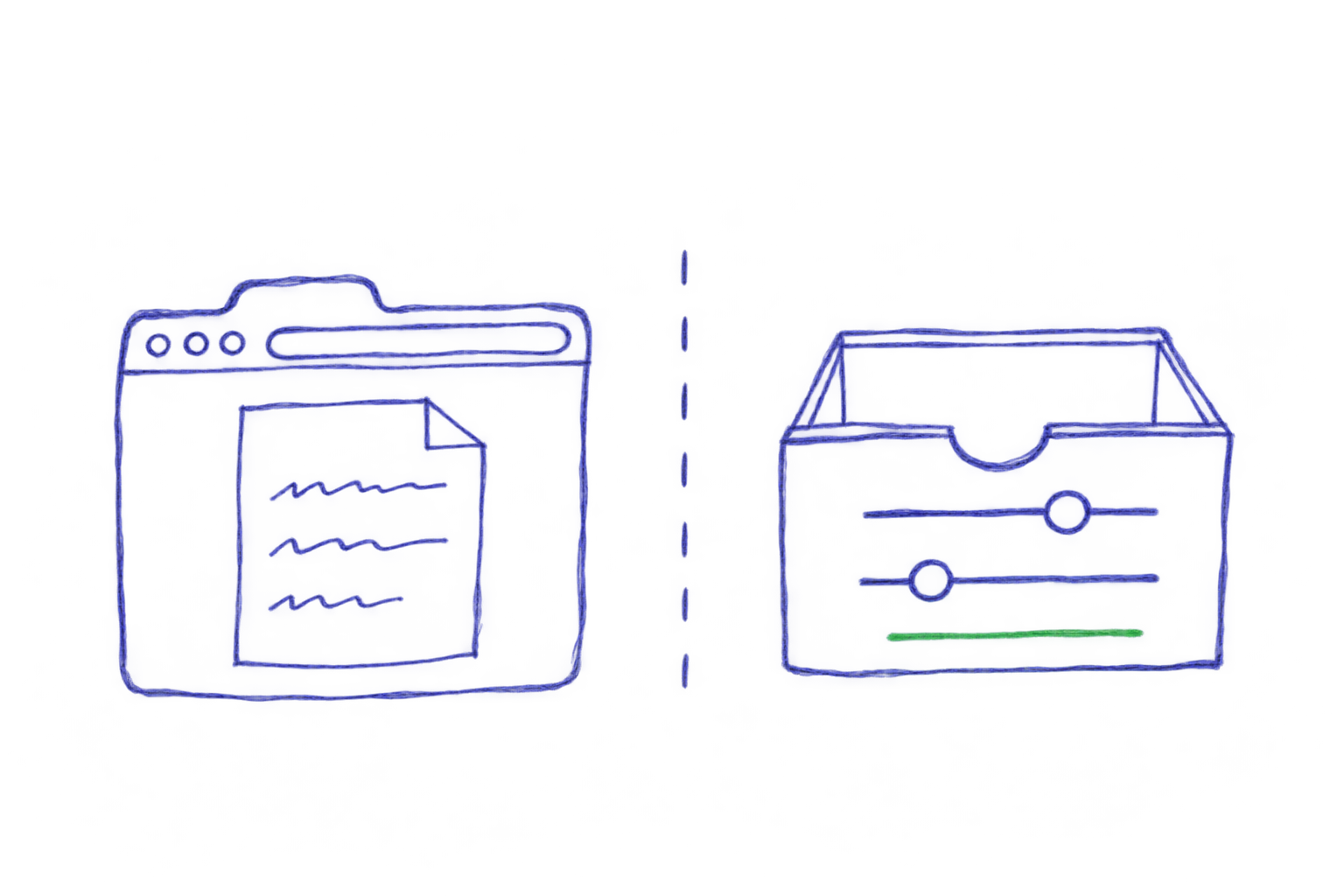
Page history and browser settings are separate data.
The draft, tasks and model output stay in the page’s memory. The program does not retain them between loads; reloading or closing clears that memory. Submitting clears the input field, while the task remains in the history.
You can download the history before reloading. That file is stored separately on your device.
“New history”
Clears the input, tasks and output on the page, including both histories in comparison mode. Later requests start without the previous context. Downloaded files remain. This does not request deletion of service records.
In the browser: settings and codes
- Between visits
- Theme, text size, the last returned allowance and a random code that lets the service recognise this browser.
- For the current tab
- A temporary access code; the service sets its expiry.
The draft, history and key are not written to this storage. Settings and allowance values contain no task text or model output.
Clearing site data removes the saved browser code; it does not request deletion of service records.
At the service and model provider
To track completed outputs, access expiry and request frequency, the service stores codes derived from the browser code and network address, rather than those original values. Several visitors may share one network. A request-content hash and status are also kept to prevent duplicate execution.
The task and history are processed in memory. Generated text is temporarily cached in server memory so the same request can be delivered again. Cache entries are scheduled for removal after 15 minutes and may be removed sooner when the cache fills.
The task, history, key and generated text are not written to the service database. The host and model provider have separate processing and retention terms. This is not a promise that no party involved stores data.
Shared allowance and stopping
The remaining allowance paid for by Beforeword appears beside the form and is updated from the service. In comparison mode, each successfully completed request counts separately.
Successfully completed output
Uses one output
Processing error before completion
Does not reduce allowance
Provider-marked refusal or block
Does not reduce allowance
Processing stops at the service before completion
Does not reduce allowance
A refusal delivered as ordinary successful output still counts. Request-frequency limits may apply even without an allowance charge.
“Stop waiting” ends the wait and aborts the request in the browser. It does not guarantee that the provider has not received or processed the task. If the service has already completed processing, the output may count even if it never appeared on the page.
A question about data
Identify the action: sending a task, data in the open page, connecting a model or allowance tracking.
Separate notices: